
Part 1 covered choosing visual references before writing the interface. This example follows the image-to-code approach discussed by Leon Lin, using section concepts and prepared artwork to build an agency site with Codex.
Generate the section references
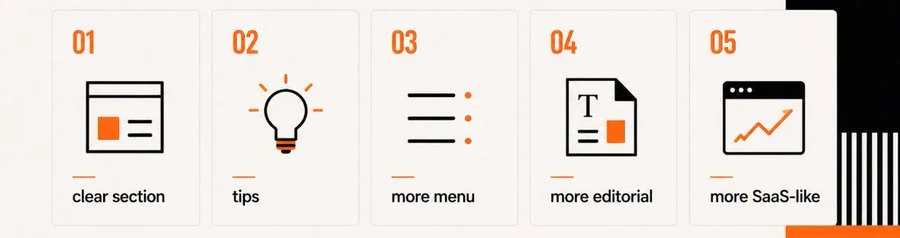
We loaded a frontend design skill into the image generator and requested an editorial layout with orange accents. Each page section received its own reference image, using the same visual constraints:
Use visual guidelines: generate design comps for an AI agency website. Build distinct visual concepts section-by-section. Style: minimalist editorial, high typographic contrast, orange accents.Separate section images gave us larger views of the type, borders, and spacing. We still reviewed the sections together to check whether they worked together as parts of one site.
Separate artwork from the layout
The concepts included artwork that needed separate files for use in the page. We asked the image generator to reproduce those illustrations individually while preserving their treatment:
Identify the primary graphic icons and illustrations inside the hero section mockup. Extract and output them as individual, high-resolution visual assets while preserving their exact style.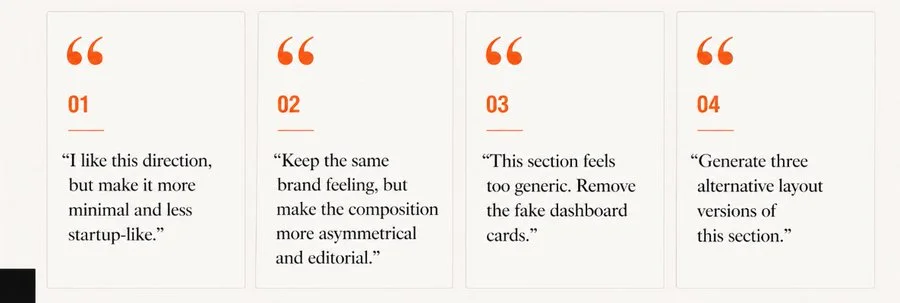
Prepare transparent assets
Where an asset had an unwanted solid background, we removed it locally and inspected the transparent edges. We exported the prepared artwork as WebP and checked it at its intended display size.
Build one section at a time
We gave Codex the reference layouts and prepared artwork for the Next.js page. The prompt asked it to use the local asset files and reproduce the layout:
Let's assemble a Next.js section. I will provide the optimized transparent assets and the reference layout comp. Replicate the layout, alignment, and spacing exactly, referring to the assets placed in the local folder.We assembled the page one section at a time and checked each section in the local development server before moving on.
Correct the spacing in the running page
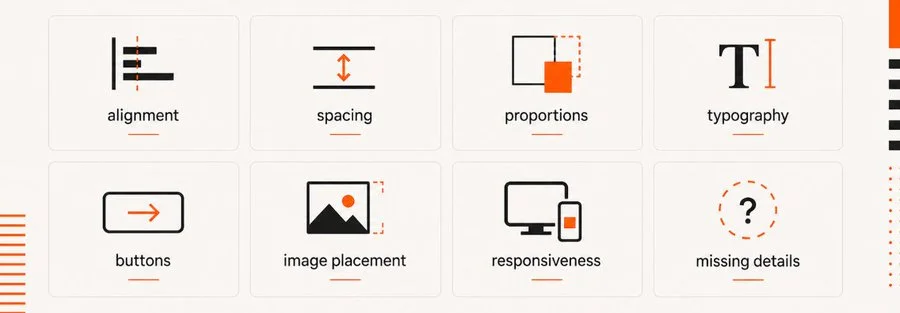
The first implementation still needed spacing corrections. We compared a screenshot of the local page with the reference and gave Codex notes about margins, letter spacing, and line height.
Check motion and interaction
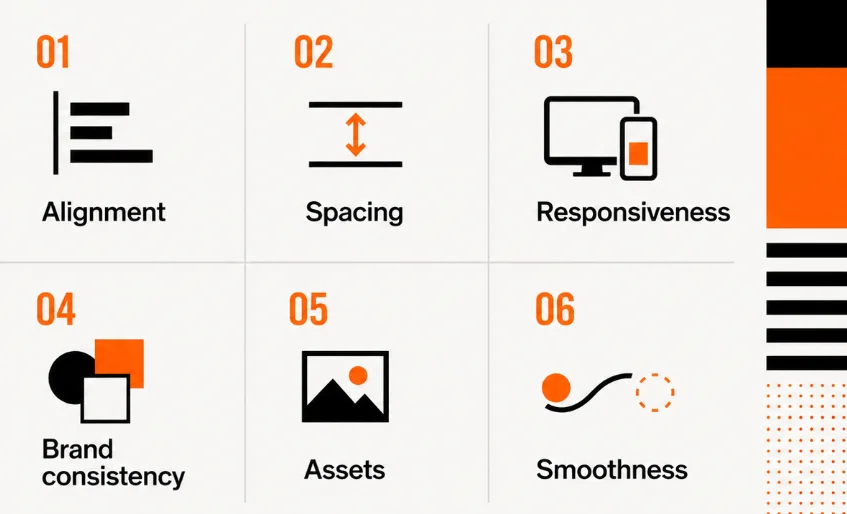
After checking the layout, we added hover and scroll-triggered transitions. These interactions needed another browser check, including keyboard use and reduced-motion preferences, because a static screenshot could not show their behavior.
Source attribution: this archived article draws on Leon Lin’s image-to-code workflow. Original diagrams and referenced work remain attributed to their creators.